Stop rebuilding context
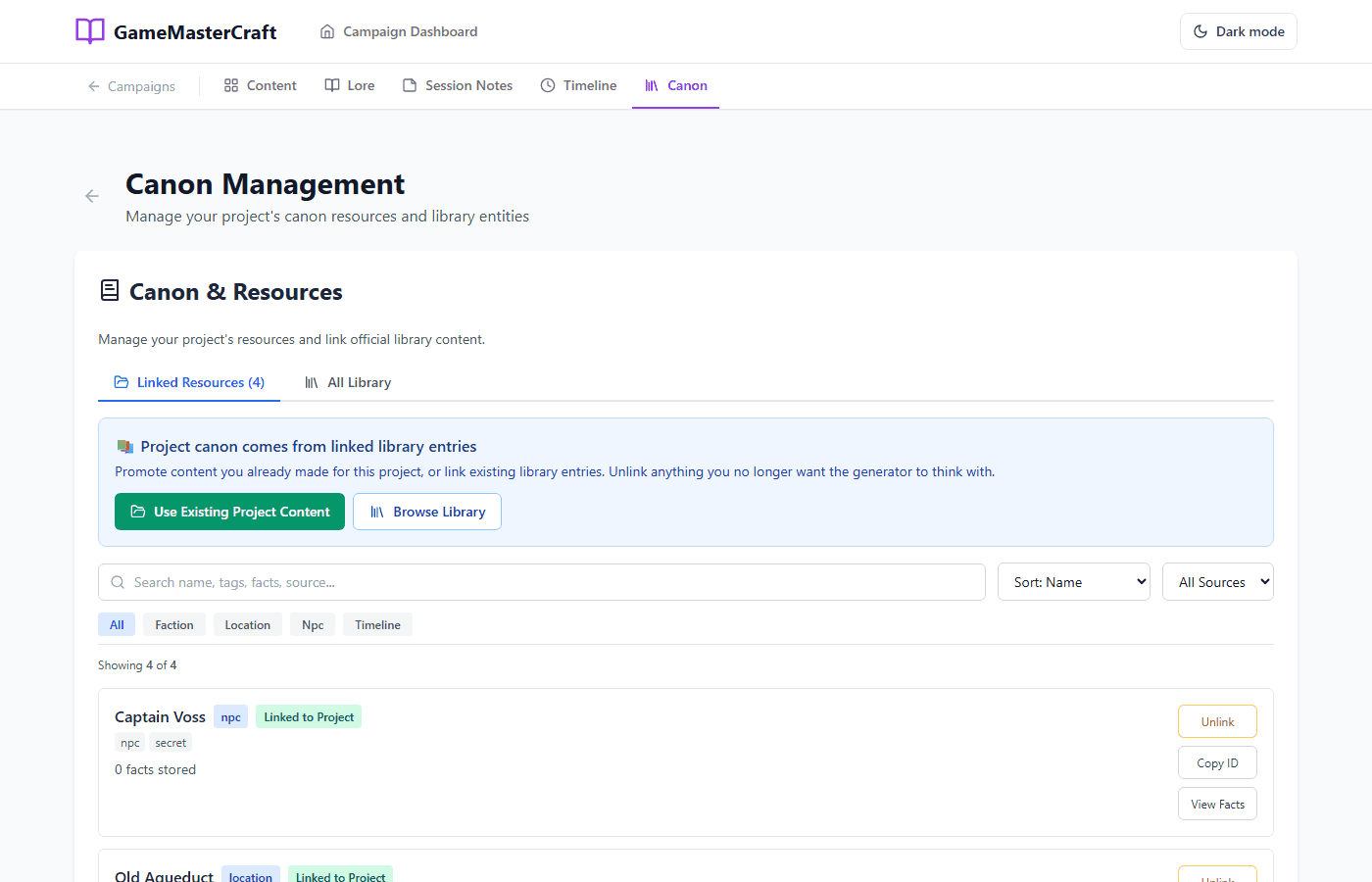
Keep recurring NPCs, factions, places, and consequences where you can find them before the recap turns into archaeology.
GameMaster Studio
GameMasterCraft keeps hold of the people, places, factions, and lore. Virtual Combat Simulator keeps the map, tokens, initiative, hit points, and conditions moving when the dice hit the table.
Free to start. Choose Studio or subscribe to either module on its own.
The part nobody misses
The session starts, five tabs open, and the one detail you need is buried in last month's notes. Studio gives the campaign and the encounter a clear place to live.
Keep recurring NPCs, factions, places, and consequences where you can find them before the recap turns into archaeology.
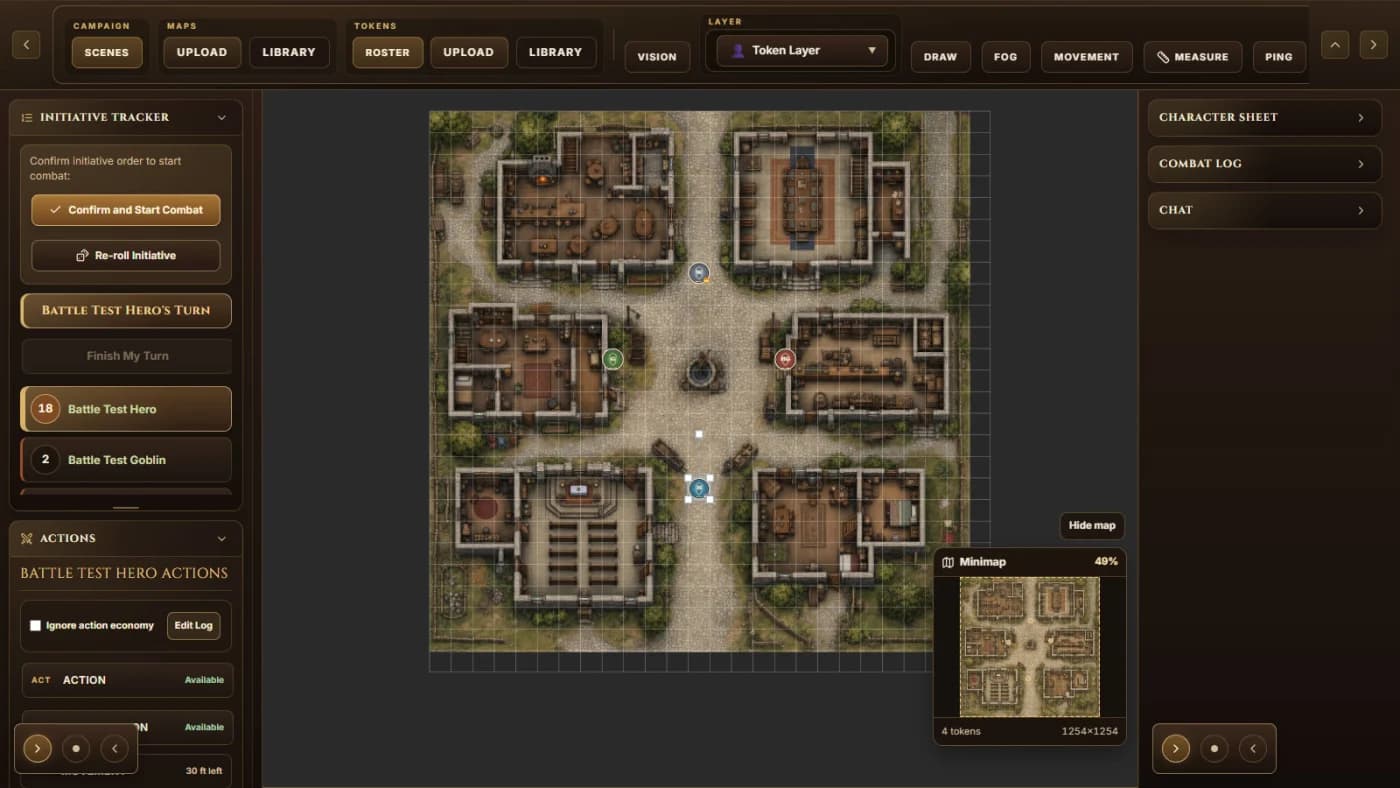
Run the battle map, turn order, tokens, hit points, conditions, and the active combatant from a shared encounter view.
A dropped sword can be forgotten. A dead rival cannot. You decide which table events belong in the campaign's future.
Campaign side
Keep NPCs, factions, locations, lore, timelines, recaps, and the hooks you promised yourself you would remember in one campaign workspace. Add AI help when you want a faster first pass at prep.
See GameMasterCraft →Table side
Paste character text you are permitted to use, let SmartPaste sort the pieces it recognizes, and review every uncertain choice before it reaches the sheet. That same character can then sit behind the token you run beside the map, initiative, hit points, conditions, fog, measuring, and combat controls.
See SmartPaste and VCS →One GM rhythm
Nothing gets added to campaign history behind your back. You decide what still matters after the dice stop rolling.
Keep the NPCs, factions, places, lore, and loose threads you will need again in GameMasterCraft.
Pull together the people, stakes, and encounter details that are likely to reach the table.
Use SmartPaste to review permitted character text, then keep the approved sheet, map, tokens, initiative, hit points, conditions, and combat controls in one battle room.
Save the combat record, decide what becomes campaign truth, and start the next session with the fallout already in mind.
Founding table pricing
The founding prices below are what you pay today—50% off the standard rates that apply after the introductory offer.
GameMasterCraft AI
$10.00 / month
Founding price today
Standard $20.00/month
GameMaster Studio
$15.00 / month
Founding price today
Standard $30.00/month
VCS Game Master
$10.00 / month
Founding price today
Standard $20.00/month
Beyond the screen
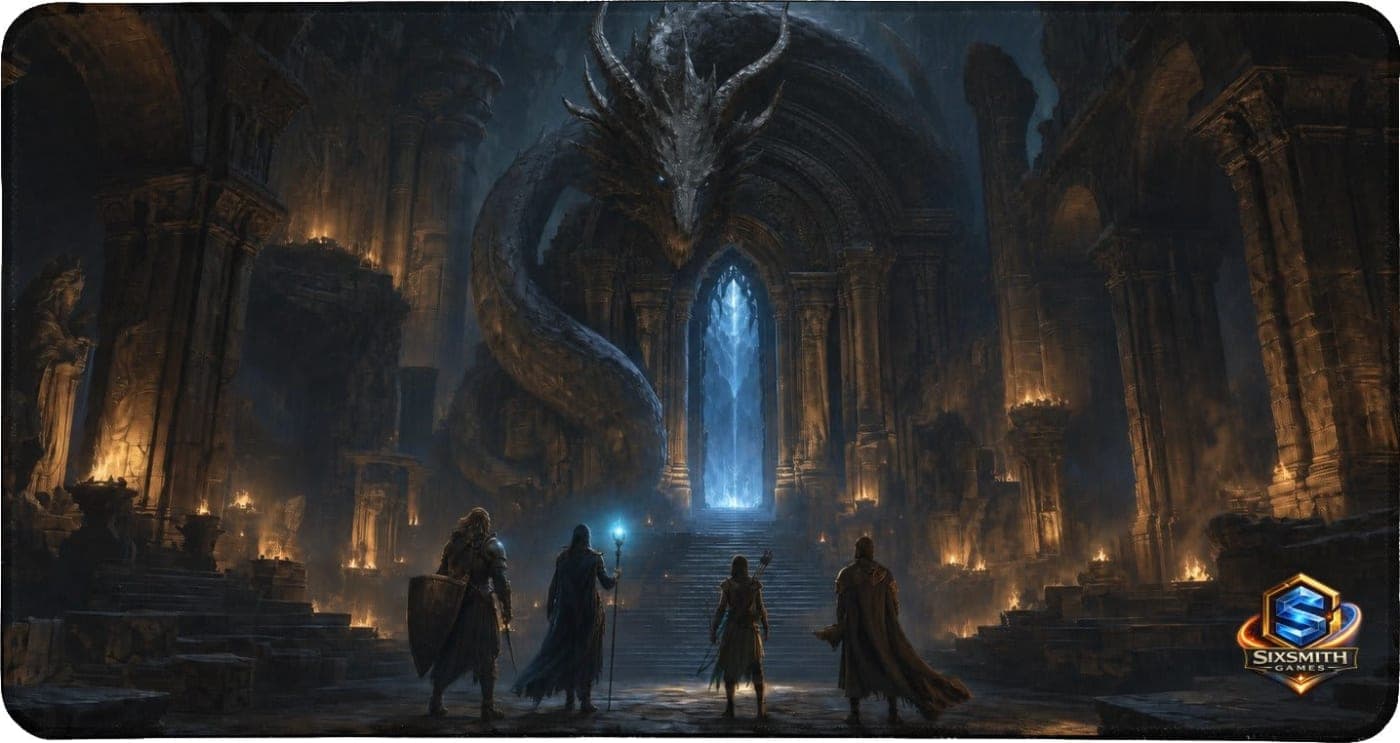
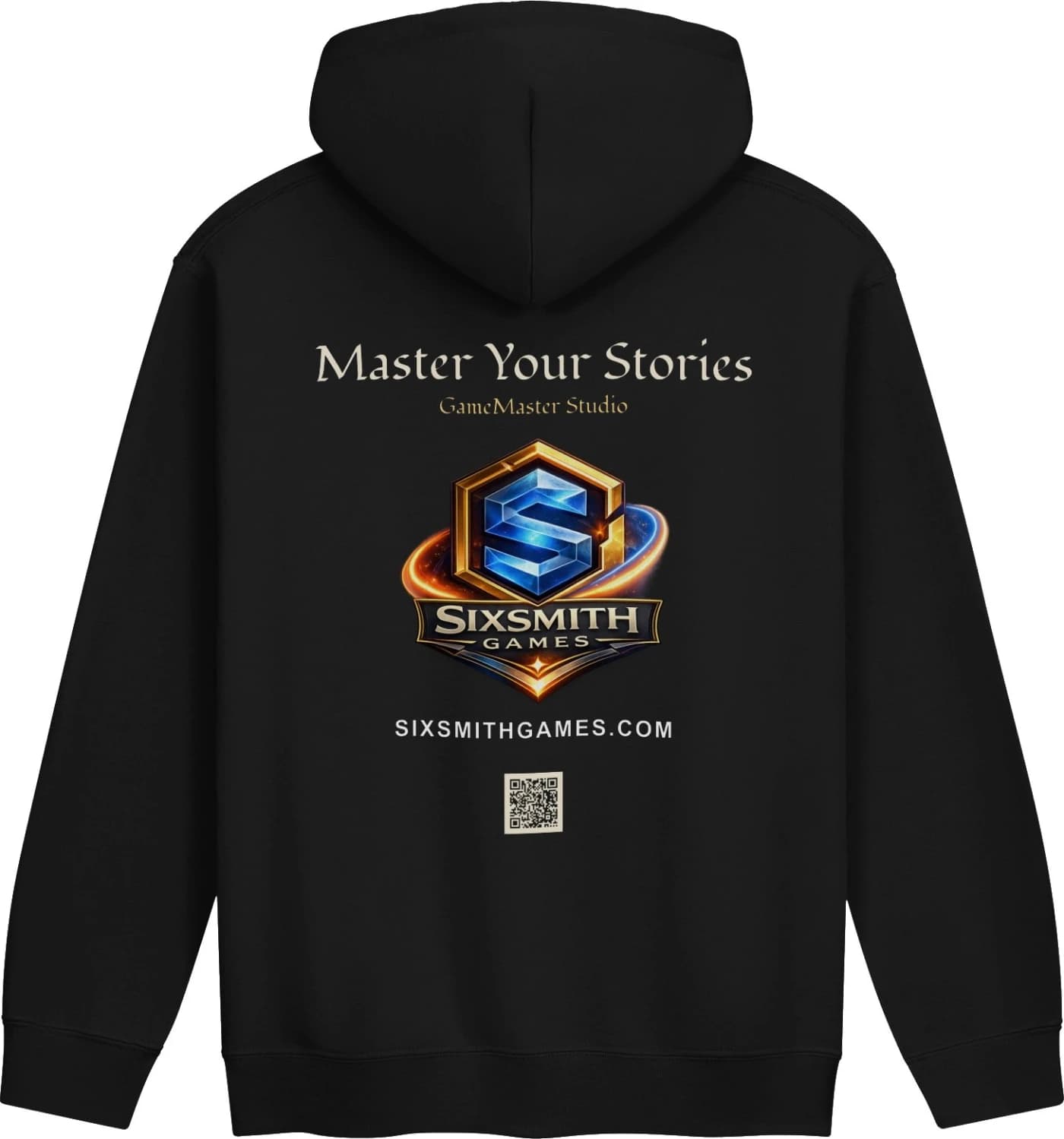
Wear the story or set the scene with Master Your Stories hoodies and the Gateway Wyrm Desk Mat.
Before you commit
GameMaster Studio includes GameMasterCraft, Virtual Combat Simulator, and GameMaster Assistant. GameMasterCraft holds campaign canon, VCS handles live encounter mechanics, and GMA orchestrates the play experience between them.
Yes. GameMasterCraft AI and the Virtual Combat Simulator GM plan are each $10.00 per month at the current founding price. The full GameMaster Studio plan, including GameMaster Assistant, is $15.00 per month while the early-GM offer is open. Those introductory prices are 50% off the standard prices of $20.00 for either module and $30.00 for Studio.
SmartPaste takes character text you created, own, licensed, or are otherwise permitted to use and sorts the parts it recognizes into the VCS character sheet. You review abilities, weapons, spells, features, equipment, longer notes, and any uncertain choices before applying them. VCS keeps its built-in rules-text baseline limited to SRD-backed material.
Not yet. The handoff foundation is in place, but the customer-facing workflow is still being finished. Today, you choose what encounter details belong in campaign history and carry those consequences into your next prep.
Yes. You can open the tools and get a feel for the workflow before choosing a paid plan. Paid plans unlock the AI-assisted GameMasterCraft features and the paid Game Master tools in VCS.
Your next session is coming
Start now, bring over one campaign, and see whether the Studio rhythm fits the way you run.